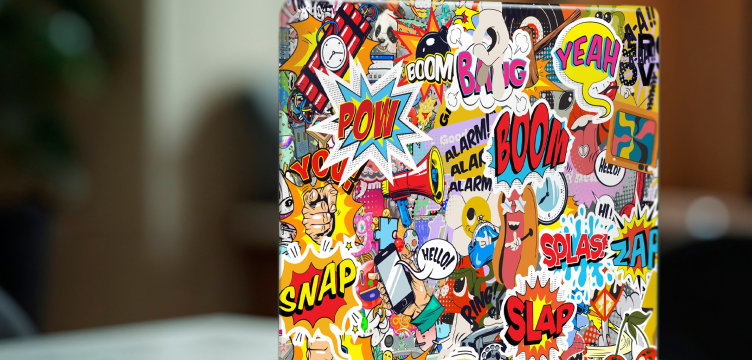

If you’ve ever wondered “Can I put stickers on my laptop?” — the short answer is yes, absolutely! Decorating your laptop with stickers is one of the easiest and most creative ways to express your personality, make your device stand out, and even protect its surface. At Tenstickers, we specialise in high-quality laptop stickers, laptop decals, and MacBook skins that help you transform your device safely and stylishly.
Is It Safe to Put Stickers on Your Laptop?
When applied correctly, stickers for laptops are completely safe. The key is to choose vinyl stickers that use high-quality, non-permanent adhesive. These won’t damage your laptop’s casing or leave sticky residue when removed. That’s why Tenstickers designs all our laptop stickers with durable, residue-free adhesive that’s suitable for MacBooks, HP, Dell, Lenovo, and more.
Avoid using paper stickers or those with strong industrial glue, as they can be difficult to remove and may affect your laptop’s finish or ventilation if placed incorrectly.
Laptop Stickers: Fun Ways to Decorate Your Laptop
Adding stickers is a chance to show off your interests, hobbies, or style. Here are a few décor ideas to get you inspired:
- Minimalist Style: Choose sleek, monochrome laptop decals or subtle geometric shapes to complement a modern aesthetic.
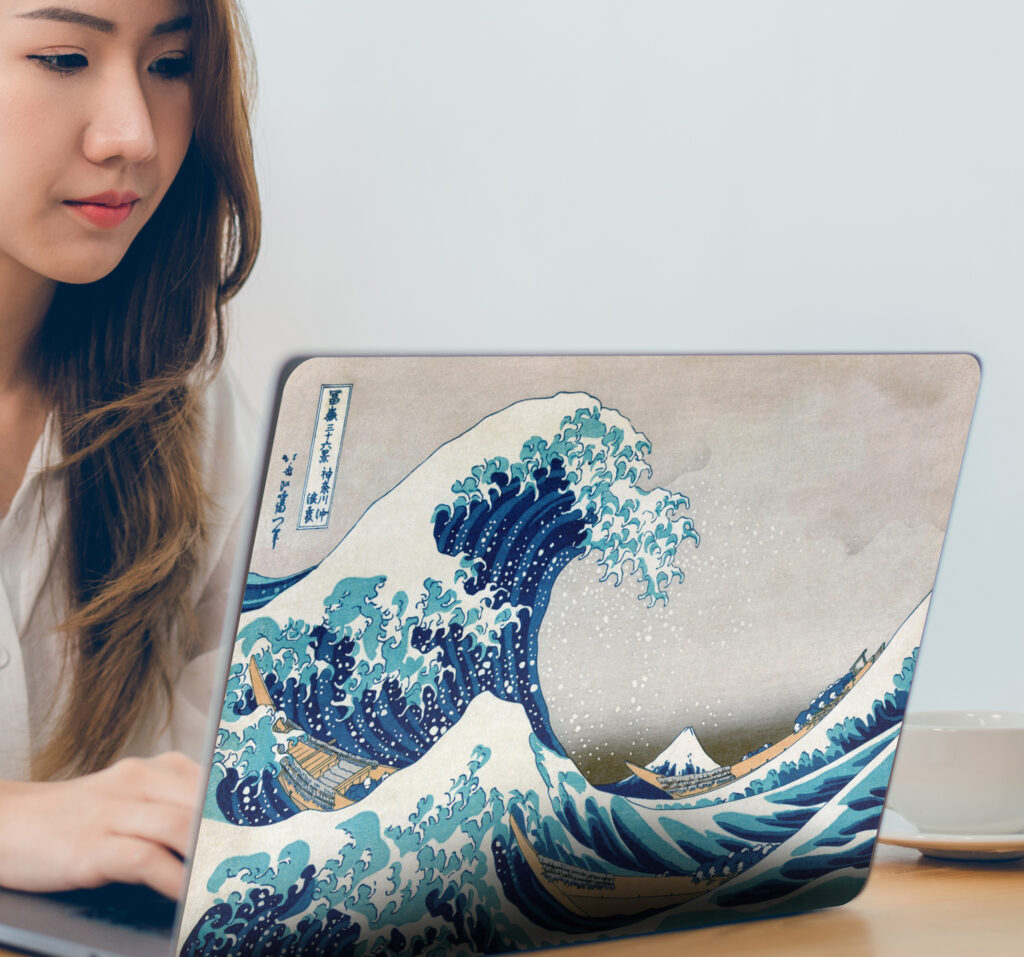
- Artistic Expression: Combine colourful designs, abstract art, or cute laptop stickers to make your device a creative canvas.
- Inspirational Quotes: Add motivational sayings to keep you inspired during work or study sessions.
- Travel & Adventure: Use world map stickers, country flags, or travel icons to showcase your wanderlust.
- Personalised Designs: At Tenstickers, you can even create custom laptop stickers — perfect for displaying your artwork, logo, or favourite quote.
Our collection of over 250 designs means you can mix and match to achieve a look that’s uniquely yours, from cool laptop stickers to elegant floral patterns.
How to Remove Laptop Stickers Safely
If you decide to change your design or need to remove your stickers, don’t worry — it’s simple.
- Gently lift one corner of the sticker using your fingernail or a plastic card.
- Peel slowly to avoid tearing or leaving residue.
- If any adhesive remains, wipe with a soft cloth slightly dampened with warm water or rubbing alcohol.
- Dry the surface before applying a new sticker.
All Tenstickers laptop stickers are made for easy application and removal, so you can refresh your laptop’s look whenever you like without damaging the surface.
Express Yourself with Tenstickers
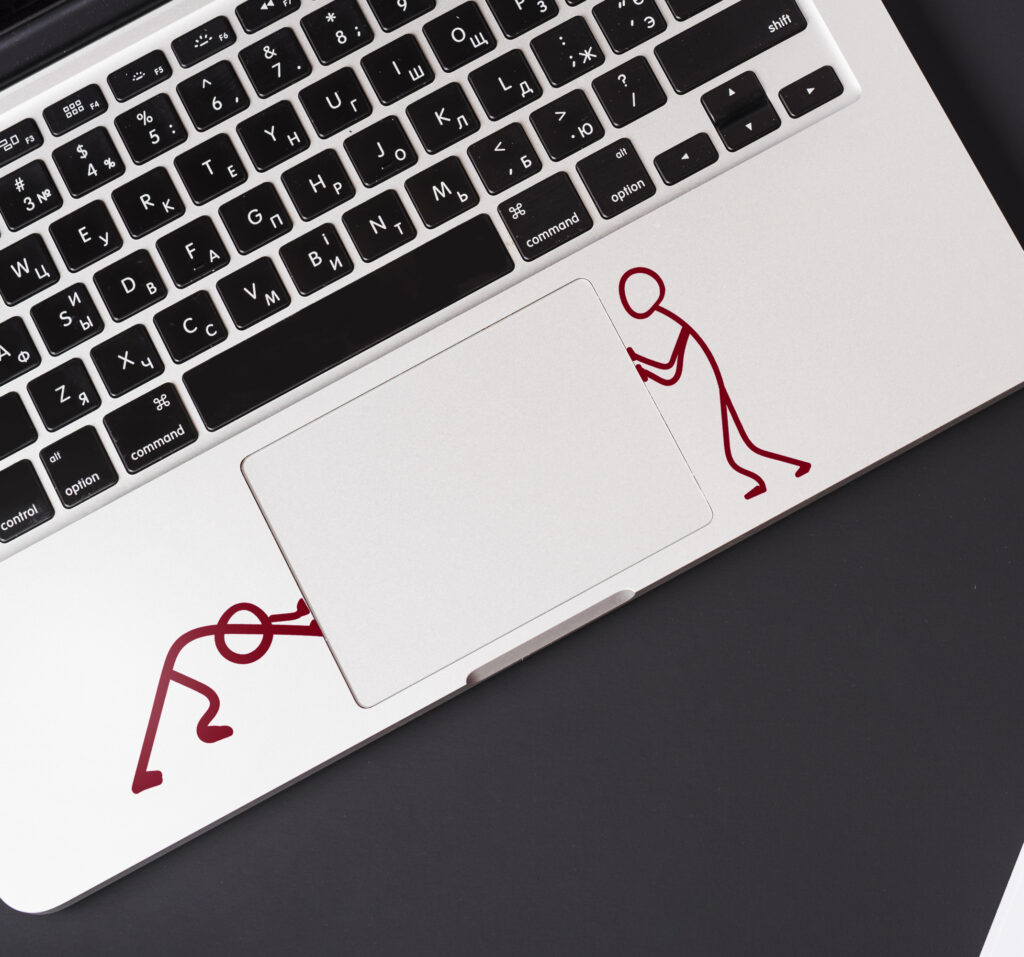
So yes — you can put stickers on your laptop! Whether you want to add a touch of fun, professionalism, or creativity, Tenstickers offers durable, easy-to-apply designs that fit every taste. Explore our laptop and tablet sticker collection and discover how a simple sticker can turn your laptop into something truly personal.