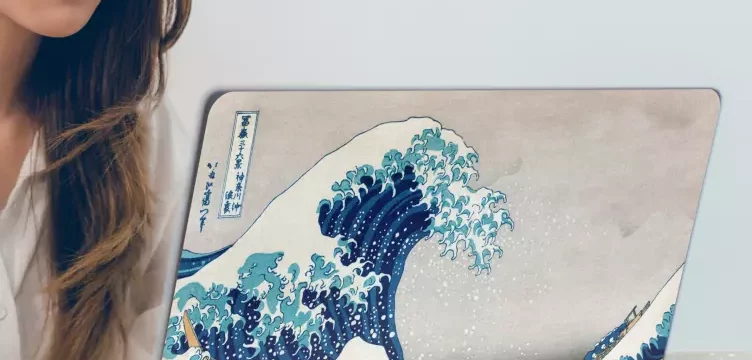

In today’s world, your laptop is more than just a tool—it’s an extension of your personality. Whether you’re a student, a creative professional, or a digital nomad, decorating your laptop with stickers is a fun, easy, and affordable way to express your unique style. But how exactly do you go about doing it the right way? In this blog, we’ll show you how to decorate a laptop with stickers, give you some creative ideas, and explain why Tenstickers laptop stickers are the perfect place to find your next favourite laptop decal.
Why Decorate Your Laptop with Stickers?
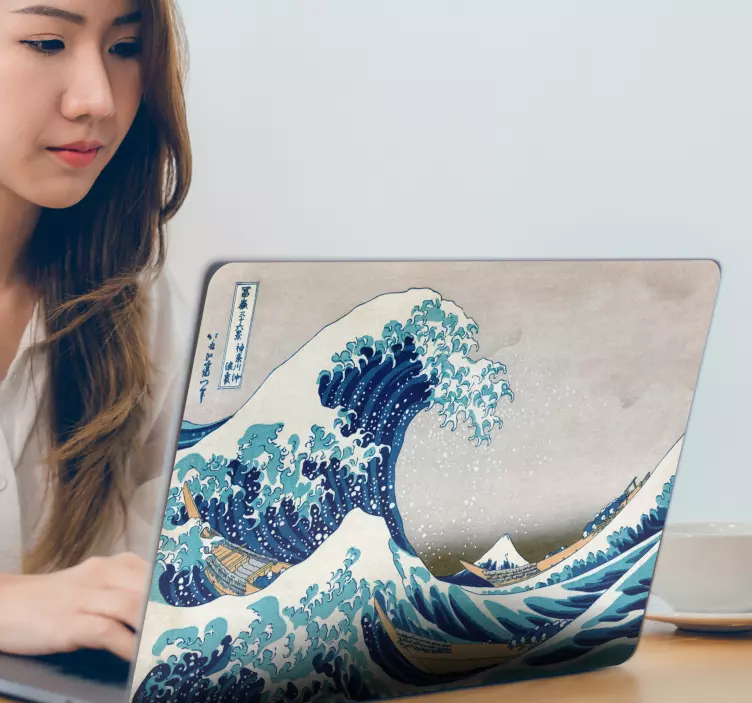
Before we dive into the “how,” let’s talk about the “why.” Here are just a few reasons people love decorating their laptops with stickers:
- Personal Expression:
- Show off your interests, hobbies, or aesthetic.
- Motivation:
- Add quotes or images that inspire you every time you open your laptop.
- Branding:
- Great for small businesses or freelancers to promote their work.
- Protection:
- Stickers can help prevent scratches or wear over time.
- Conversation Starter:
- A unique sticker can easily break the ice in social or professional settings.
Step-by-Step: How to Decorate a Laptop with Stickers
Decorating your laptop isn’t just about slapping on some stickers and calling it a day. Here’s how to do it thoughtfully and beautifully:
- Clean Your Laptop Surface
Start by wiping down your laptop’s outer shell with a microfiber cloth and a small amount of rubbing alcohol. This removes dust, fingerprints, and oils that can prevent the sticker from adhering properly. - Plan Your Design
Before you peel anything, lay out your stickers first. Arrange them on your laptop (without removing the backing) to see how they look together. Consider things like balance, spacing, and theme. A mix of small and large stickers can create a dynamic look.
Tip: If you’re unsure about your layout, take a photo of the arrangement to refer back to when sticking.
- Use High-Quality, Removable Stickers
Not all stickers are created equal. Some may leave residue or fade quickly. At Tenstickers, we specialise in tailor-made laptop stickers that are removable, durable, and printed with high-quality, eco-friendly inks. That means no sticky mess and a design that lasts! - Apply Carefully
Peel the backing from one corner and slowly smooth the sticker onto the surface from one side to the other to avoid bubbles. Use a credit card or a soft cloth to press it down evenly. - Personalise It
Want something truly one-of-a-kind? At Tenstickers, we offer a customised laptop sticker option where you can upload your own design, photo, or text. It’s perfect for adding a logo, name, or your favourite quote in your chosen style.
Laptop Sticker Ideas & Trends
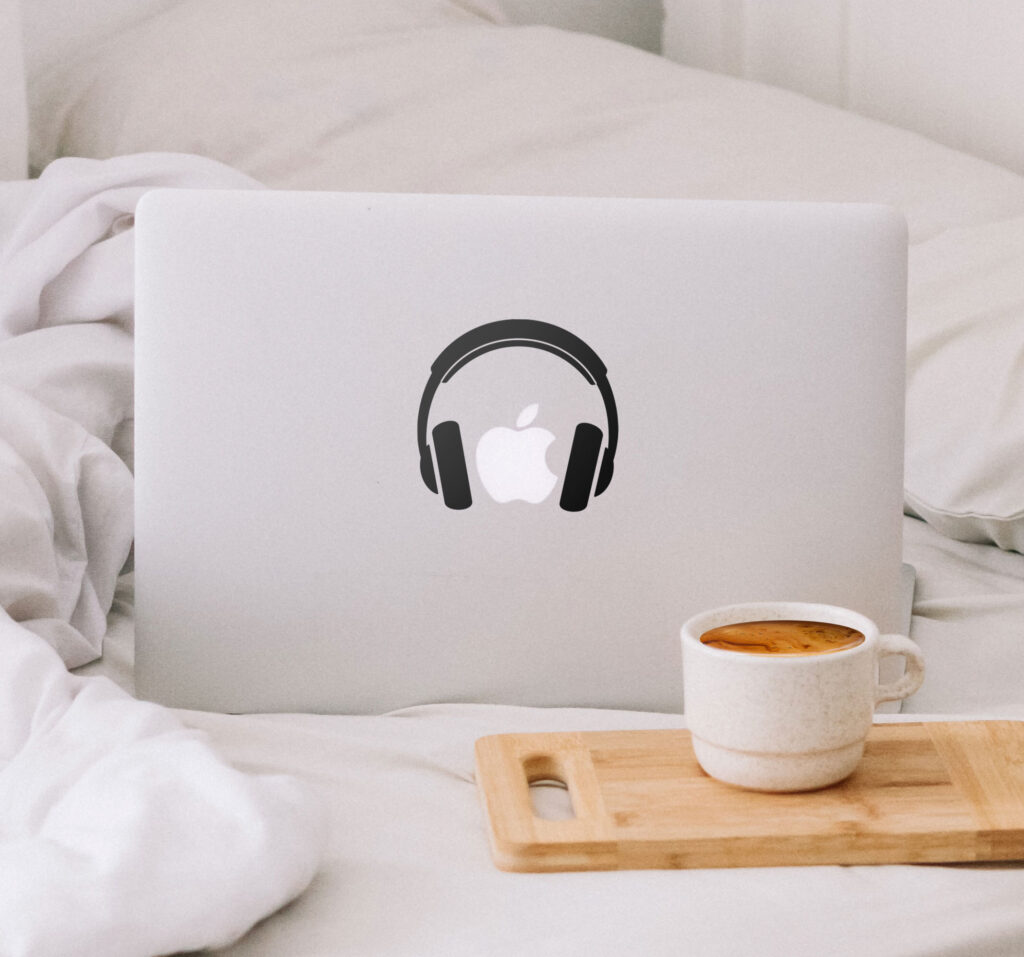
If you’re wondering what kind of stickers to use, here are some fun and trendy ideas to spark your creativity:
- Travel-Themed Stickers
- Show off your wanderlust with stickers of world maps, famous landmarks, or country flags. It’s a great way to remind yourself of past adventures—or future ones.
- Artistic & Aesthetic Stickers
- Go minimalist with black and white line drawings, or vibrant with abstract art. Mix geometric patterns with soft colour palettes for a balanced, artsy feel.
- Fandom & Pop Culture
- Display your love for movies, TV shows, books, or video games. From subtle references to bold logos, fandom stickers always stand out.
- Cute Animals & Nature
- Animal lovers can enjoy stickers of their favorite pets, wild animals, or even personalized stickers of their own pets! Tenstickers lets you create personalised stickers for anything you love.
- Work & Motivation
- For entrepreneurs and students, motivational quotes or productivity-themed designs can give you that little boost each time you open your laptop.
Why Choose Tenstickers for Laptop Decoration?
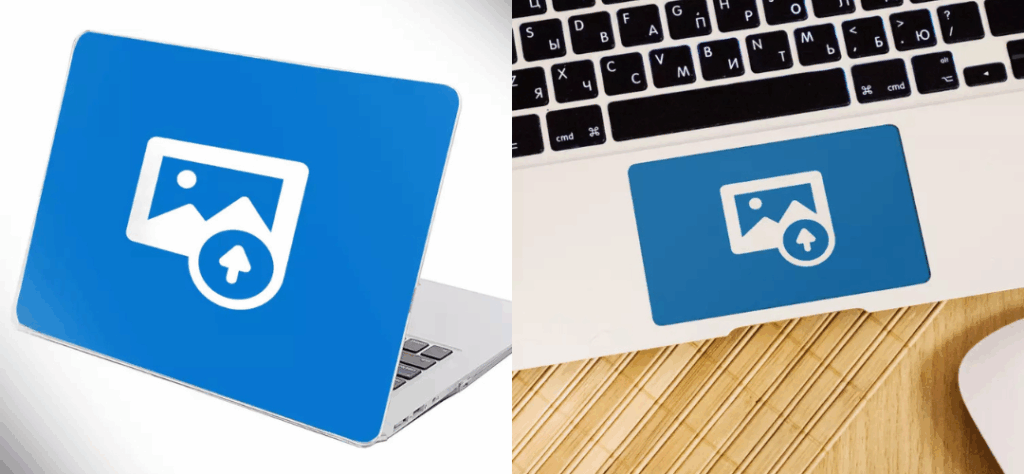
When it comes to decorating your laptop, Tenstickers makes the process easy, fun, and completely customisable. Here’s why we’re a top choice for sticker lovers around the world:
- Personalised Stickers:
- Want to use your name, logo, or a photo? No problem! Our custom sticker tool makes it easy. Feel free to customise the back of your laptop, or even your touch pad!
- Tailor-Made Stickers:
- We offer thousands of designs, each available in various sizes so they fit your laptop perfectly.
- High-Quality Materials:
- Our vinyl stickers are made to last without damaging your laptop’s surface.
- Eco-Friendly Printing:
- We care about the planet just as much as we care about your design.
- Global Shipping:
- No matter where you are, we ship worldwide—quickly and reliably.
Common Questions About Laptop Stickers:
Q: Will stickers ruin my laptop?
A: Not if you choose high-quality, removable stickers like the ones from Tenstickers. Our vinyl stickers peel off cleanly with no sticky residue.
Q: Can I design my own sticker?
A: Absolutely! Use our personalised laptop sticker tool to upload your own design and we’ll take care of the rest.
Q: Are your stickers waterproof?
A: Yes! Our laptop stickers are resistant to water, scratches, and UV light—perfect for laptops that travel a lot.
Final Thoughts
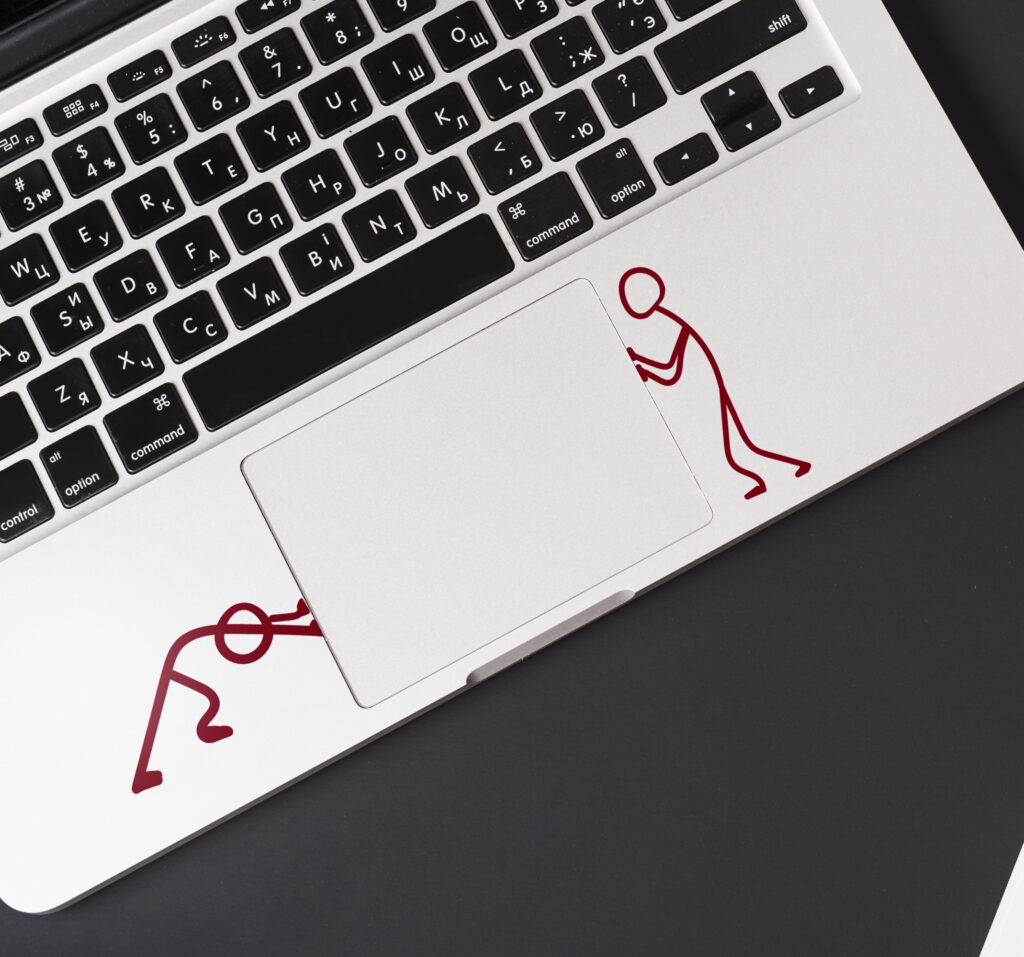
Learning how to decorate a laptop with stickers is simple and fun—and it can make a big difference in how you feel about your device. Whether you’re going for cool, cute, minimalist, or motivational, the key is choosing high-quality, removable stickers that suit your style.
At Tenstickers, we offer a world of options to help you create a look that’s uniquely yours. From ready-made designs to fully personalised laptop stickers, we’ve got everything you need to transform your laptop into a true reflection of you.
Ready to get started? Browse our laptop sticker collection at Tenstickers today and make your laptop uniquely yours.